For Growing SMEs

數位銀行解決方案可擴展您的業務

進行跨國擴展,賦予您的團隊權力,讓每一塊錢都更有價值。.

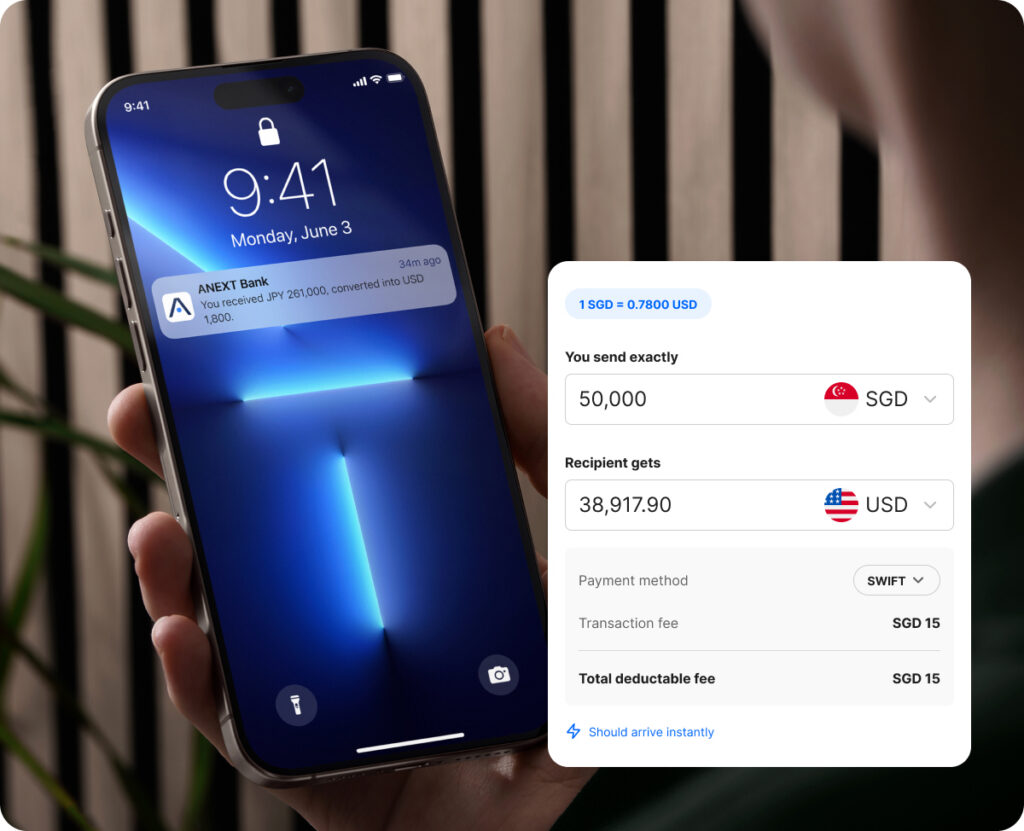
使用一個帳戶進行全球銀行交易

Simplify cross-border operations and manage multiple currencies in one place. Send funds internationally without the hassle of managing multiple bank accounts.

SGD

美元

CNH

歐元

GBP*

港元*

日圓*

KWR*

MYR*

THB*

* 以這些貨幣收到的資金會兌換成美元

Global collections and payouts, made scalable

Move money across borders with transparent flat fees – so your costs stay predictable as your business grows.

為您成長中的團隊提供一個帳戶

隨著您公司的擴充,可增加無限制的使用者。為您的團隊提供所需的存取權限,而您則保持完全的可見性和控制權。.

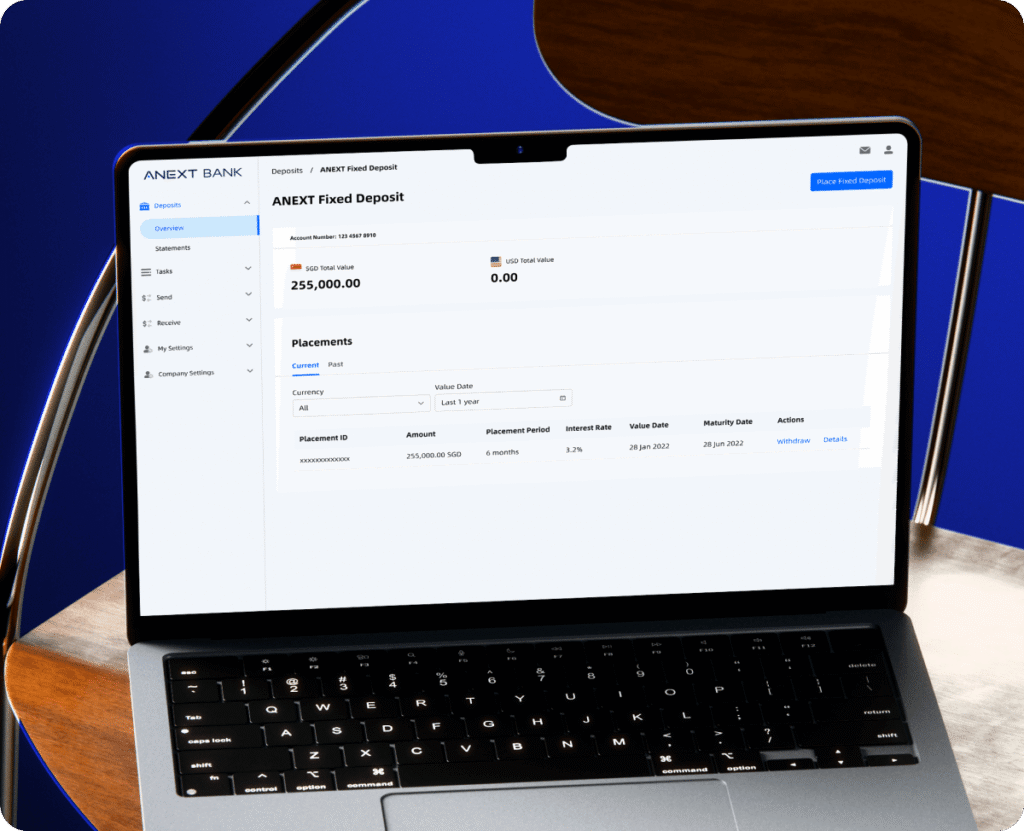
運用您的成長資本

Earn fixed interest on your idle funds starting from USD 5,000 with flexible tenures. Enjoy the flexibility of short placement periods, and earn interest in multiple currencies.

有問題嗎?

目前,一個企業只能申請和維持一個 ANEXT 商業帳戶。.

Scheduled transfers are available via payment channels FAST, GIRO and MEPS and will be submitted at 00:00 of the indicated scheduled date. Credit timing depends on the channel. Do note that if you’re selecting the MEPS channel, you can only schedule the transfer on a working day in Singapore.

You can receive SGD via PayNow/FAST/MEPS/GIRO. ANEXT does not charge an additional fee for incoming SGD transfers, subject to applicable limits.


For PayNow, log in to Online Banking, navigate to PayNow Settings > My QR > Download to provide your PayNow ID or unique QR.


For FAST, MEPS or GIRO, here are the information that your remitter’s bank may require: 

  • 帳戶名稱 
  • Account Number: Your 11-digit ANEXT Business Account number (Online Banking > Account Overview > View) 
  • 銀行名稱:ANEXT Bank Pte.Ltd. 
  • 銀行代碼:9742 
  • 銀行行業代碼:ANTPSGSGXXX

To set up your PayNow ID: 


Step 1: Log in to Online Banking and navigate to PayNow > PayNow Settings > Click the ‘Register New’ button on the top right-hand corner.


Step 2: Your UEN will be your PayNow ID by default. If you’ve linked your PayNow ID to another bank account, simply select 3-alphanumeric characters that will be added to the end of your existing PayNow ID e.g. if your 3-alphanumeric characters is AB1, your PayNow ID will be 1234567AB1 

Step 3: Review and confirm the request.

You can also generate a QR Code that’s valid for as long as your account is in operation to receive funds instantly into your ANEXT Business Account. Navigate to PayNow Settings > My QR > Download. Do note that your payee will need to input the transfer amount upon scanning the QR Code.

準備好推動您企業的下一步發展了嗎?

加入與 ANEXT Bank 一起成長的新加坡企業。.

開立您的企業帳戶,並獲得針對您的需求量身打造的解決方案。.

所有視覺呈現(包括但不限於數字、費率和使用者介面)僅供說明之用。T&Cs 適用。.